Choosing a web host is an important task for any beginning internet marketer.
When I first started out in the 90’s I had a GeoCities website and then eventually moved around from various hosting companies until I discovered HostGator in 2006 and I’ve stuck with them ever since.
Why did I choose HostGator?
- Great 24/7/365 customer support (live chat, phone, email)
- 99.9% uptime guarantee (your website isn’t going to crash with them)
- Easy to use control panel
- 1 click script installs (I use this a ton)
- Over 4,500 website templates you can use
- $100 Google Adwords Credit
- $100 Yahoo/Bing Advertising Credit
- Low prices
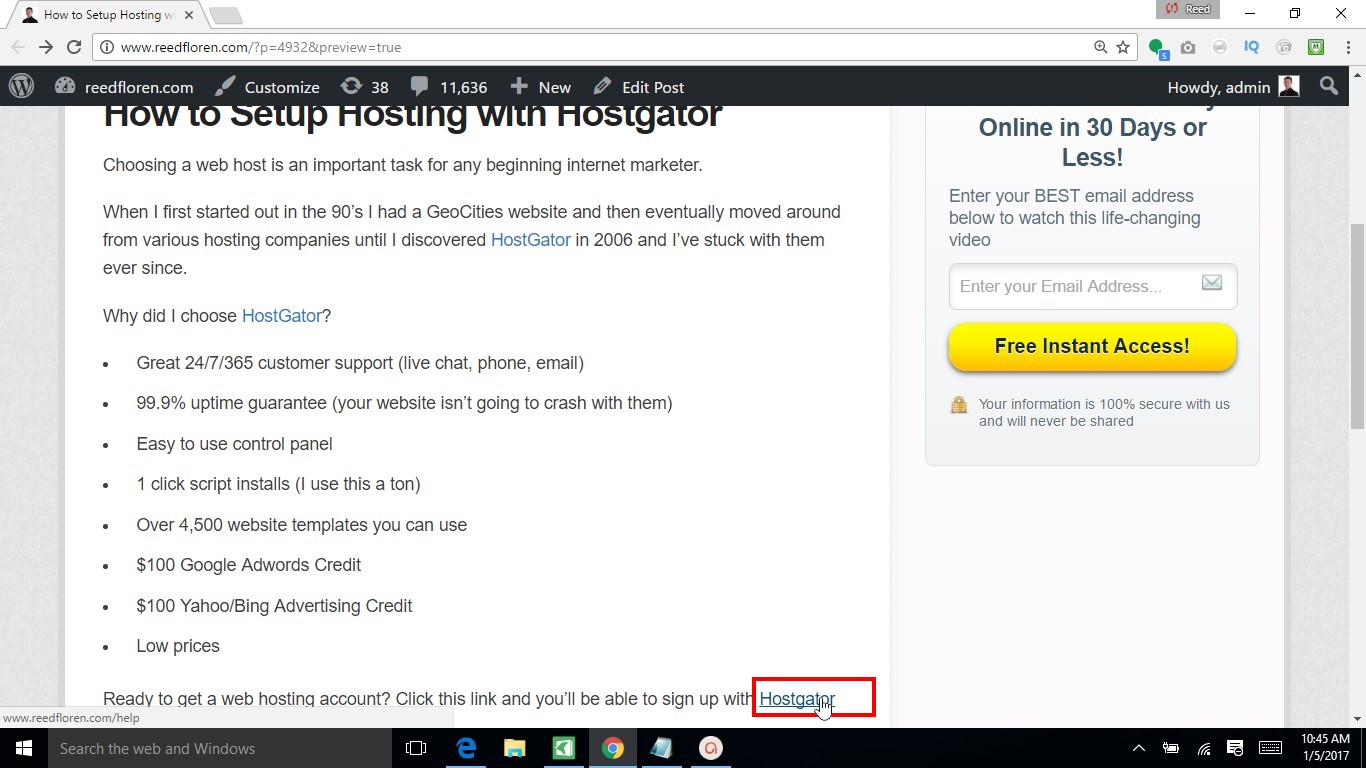
Ready to get a web hosting account? Click this link and you’ll be able to sign up with Hostgator
Click on my Hostgator link
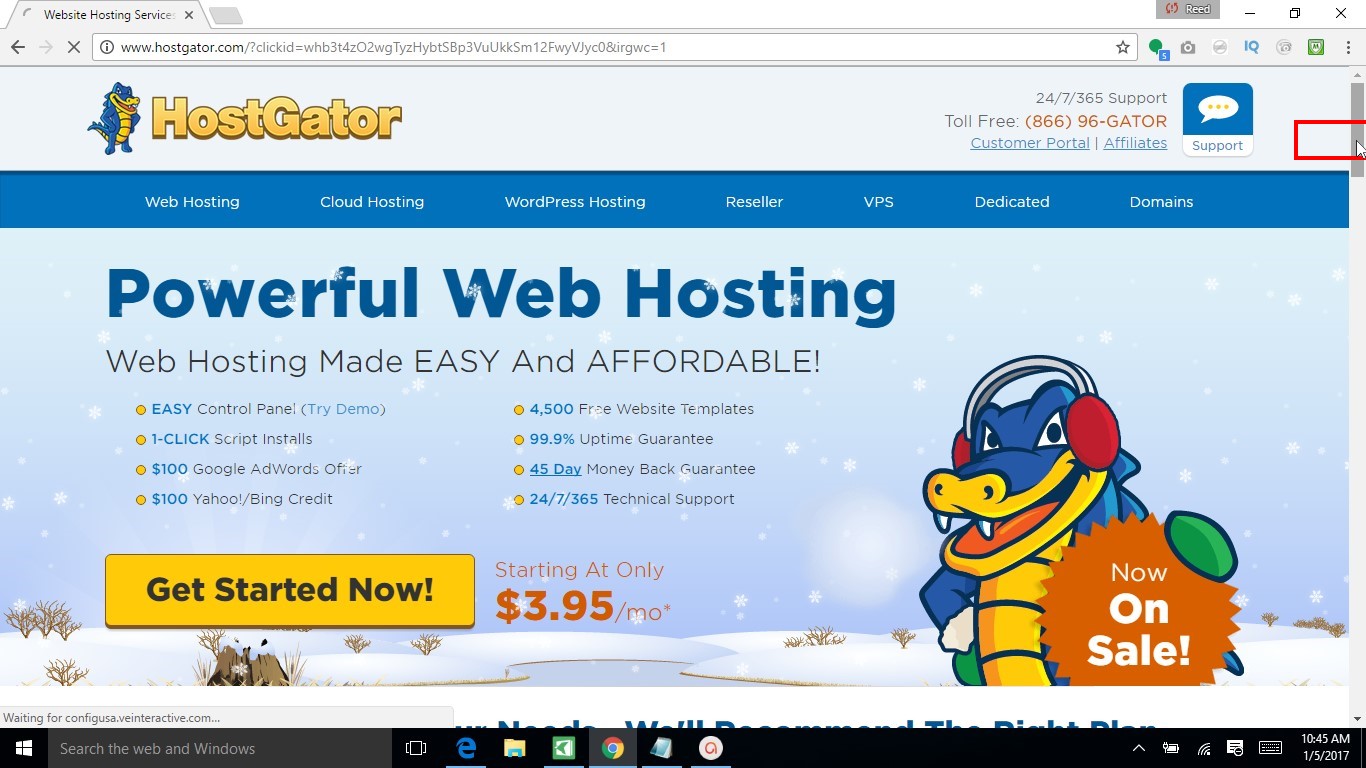
Scroll down once the Hostgator site loads
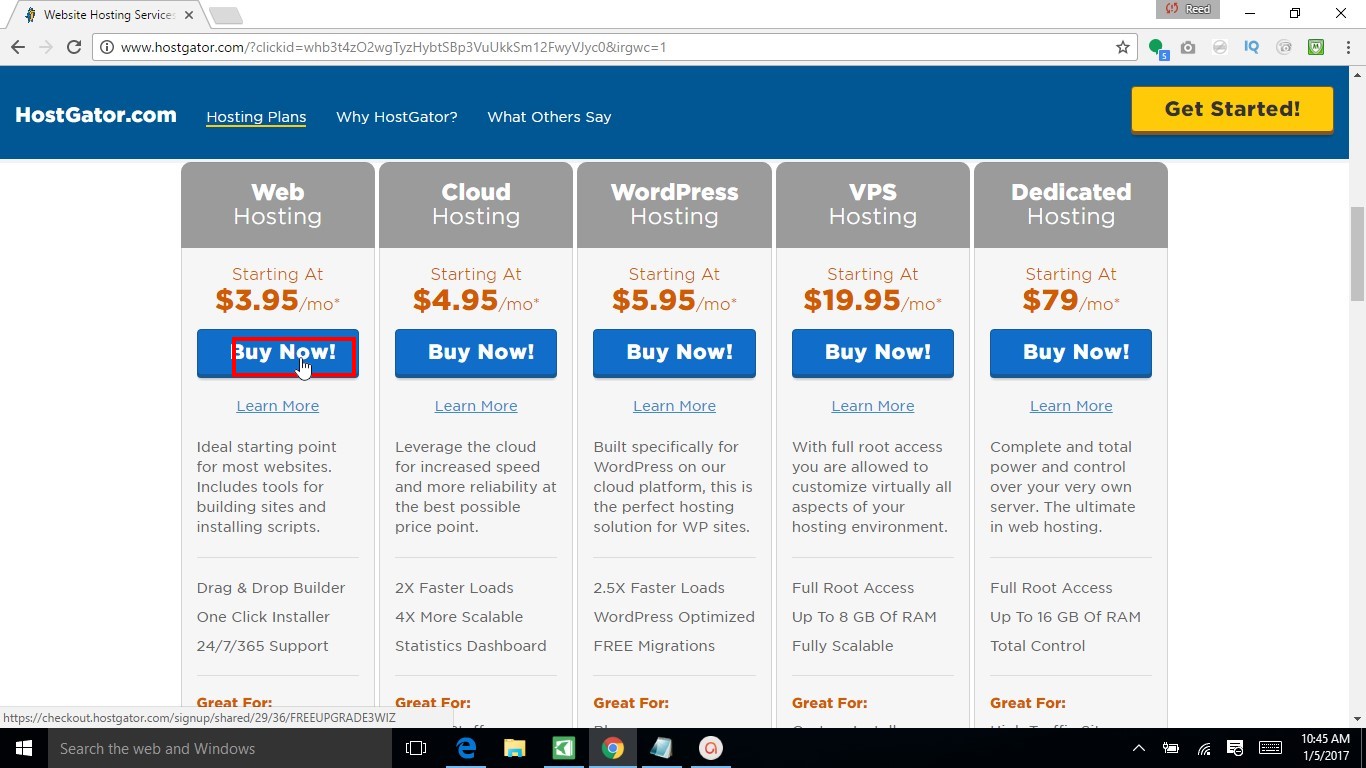
Click on “Buy Now!” under “Web Hosting”
Enter in the domain name you want to register

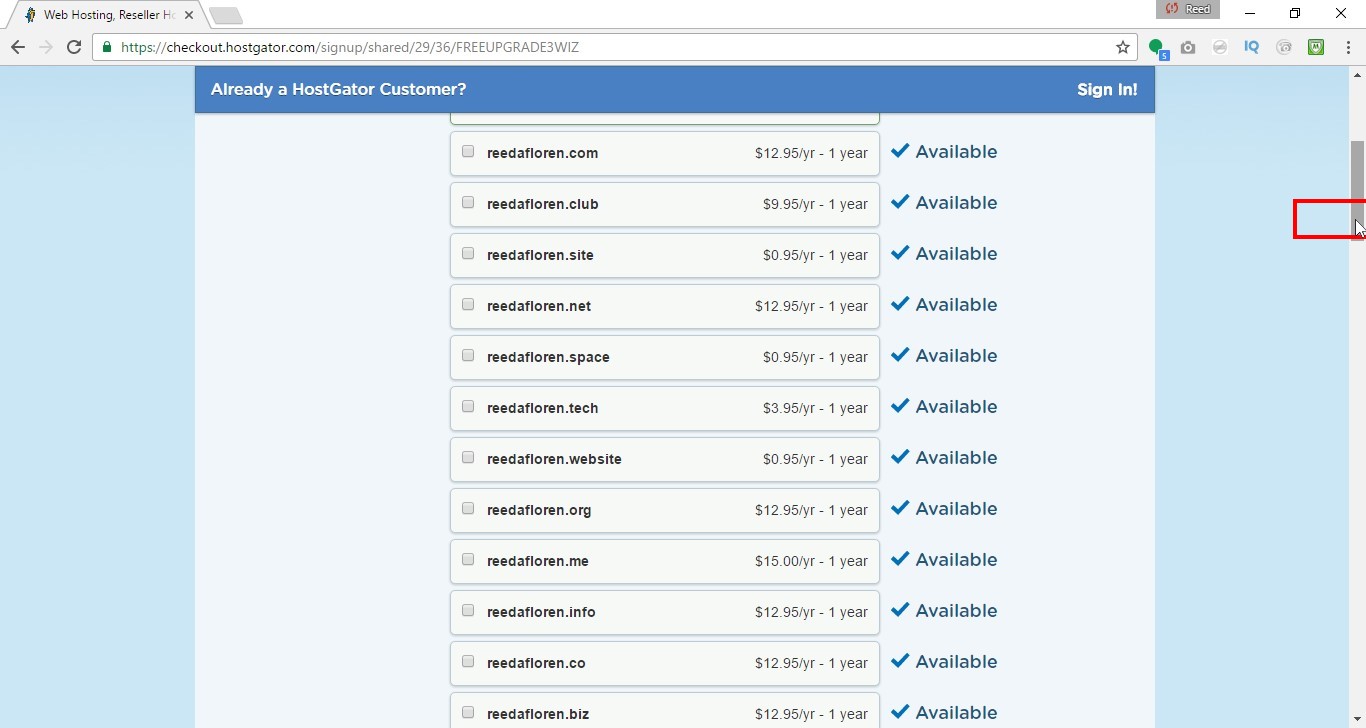
Scroll Down
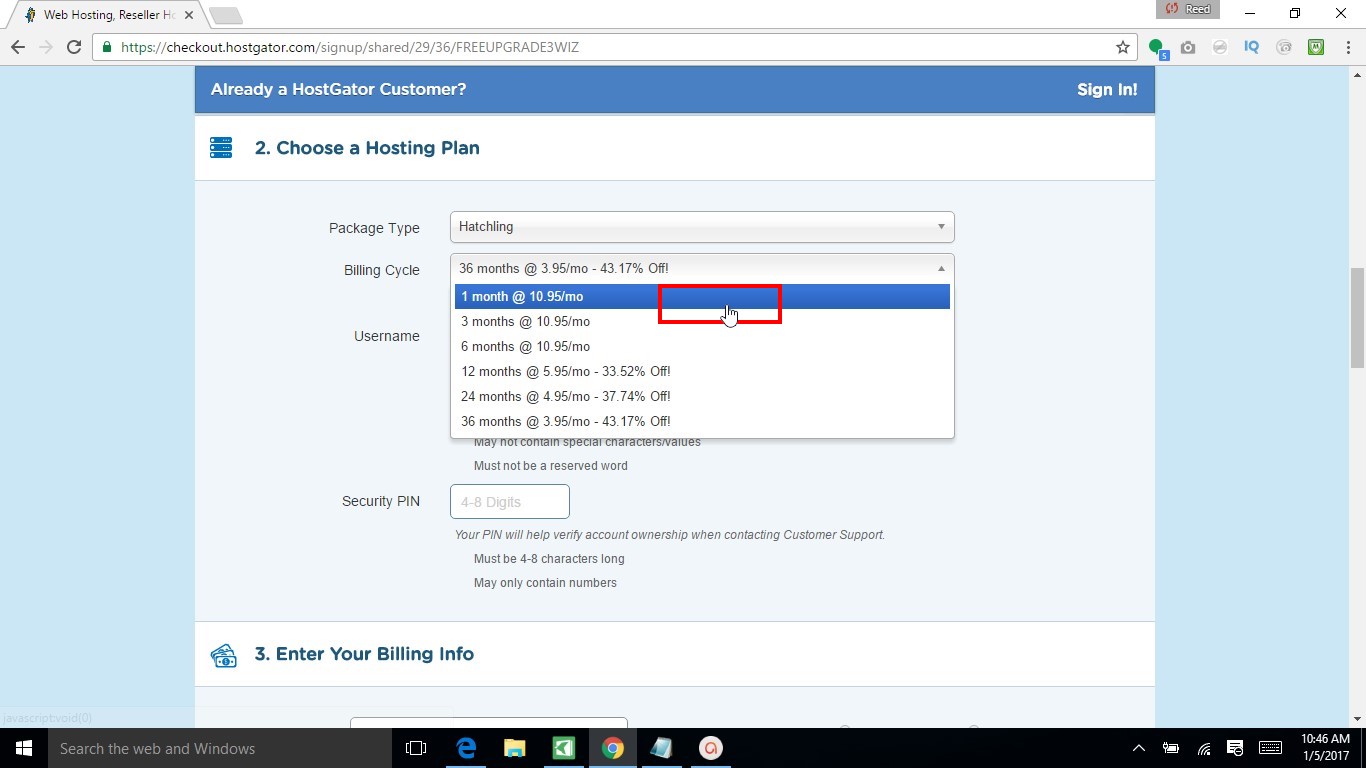
If you want to try them out for a month you can change the drop down to pay monthly (you’ll save money if you pay in advance)
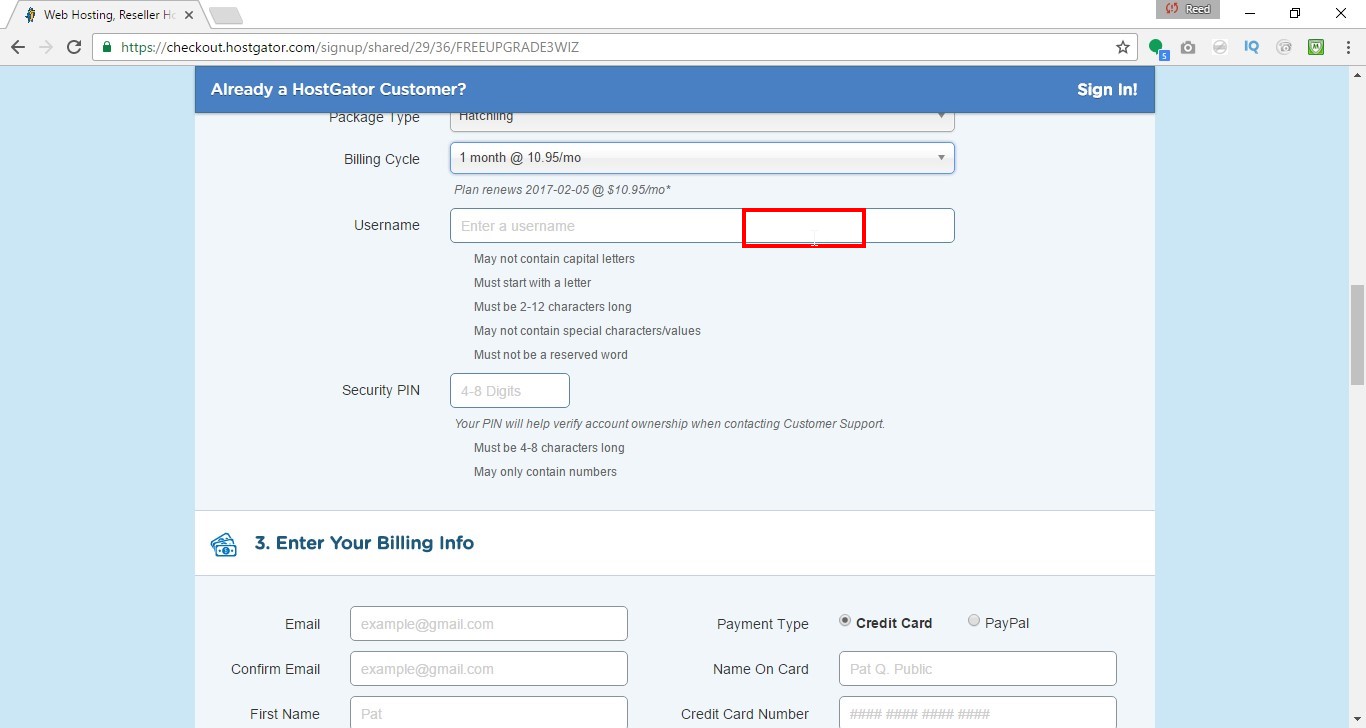
Enter in a username
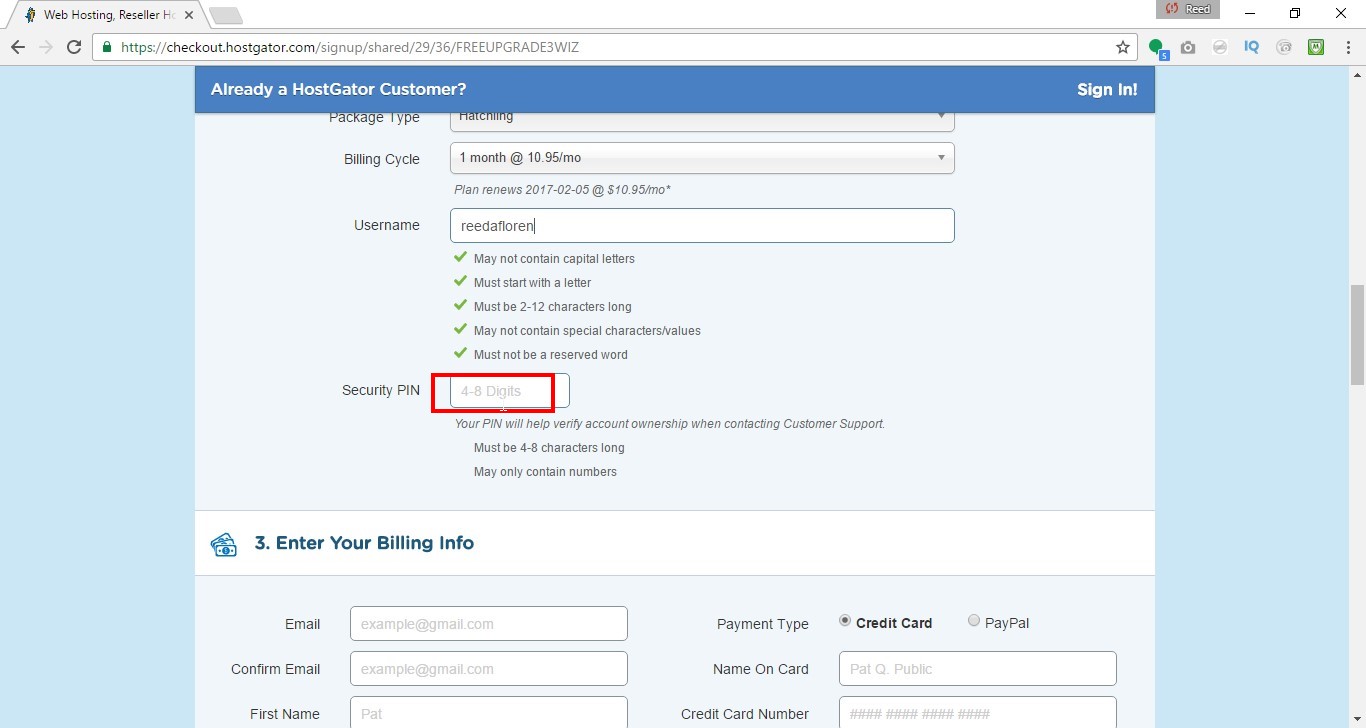
Enter in a security pin
Scroll Down
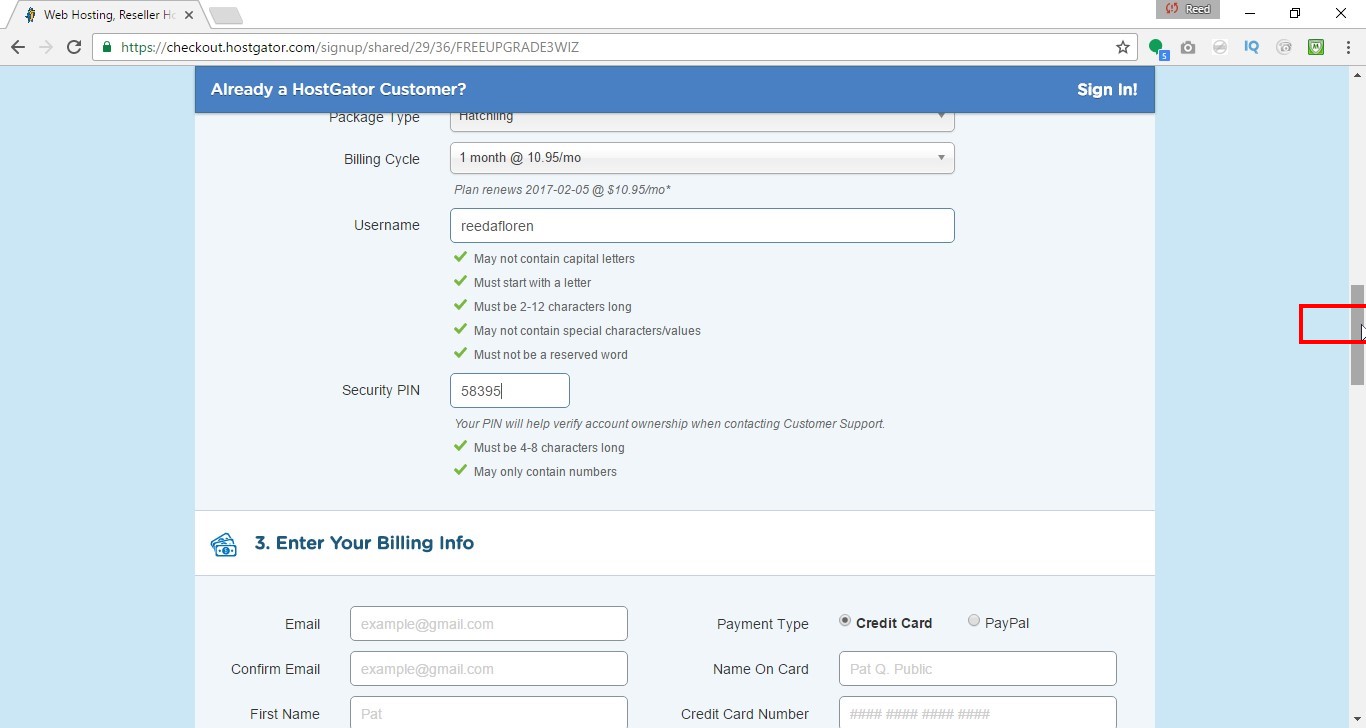
Enter in your billing information
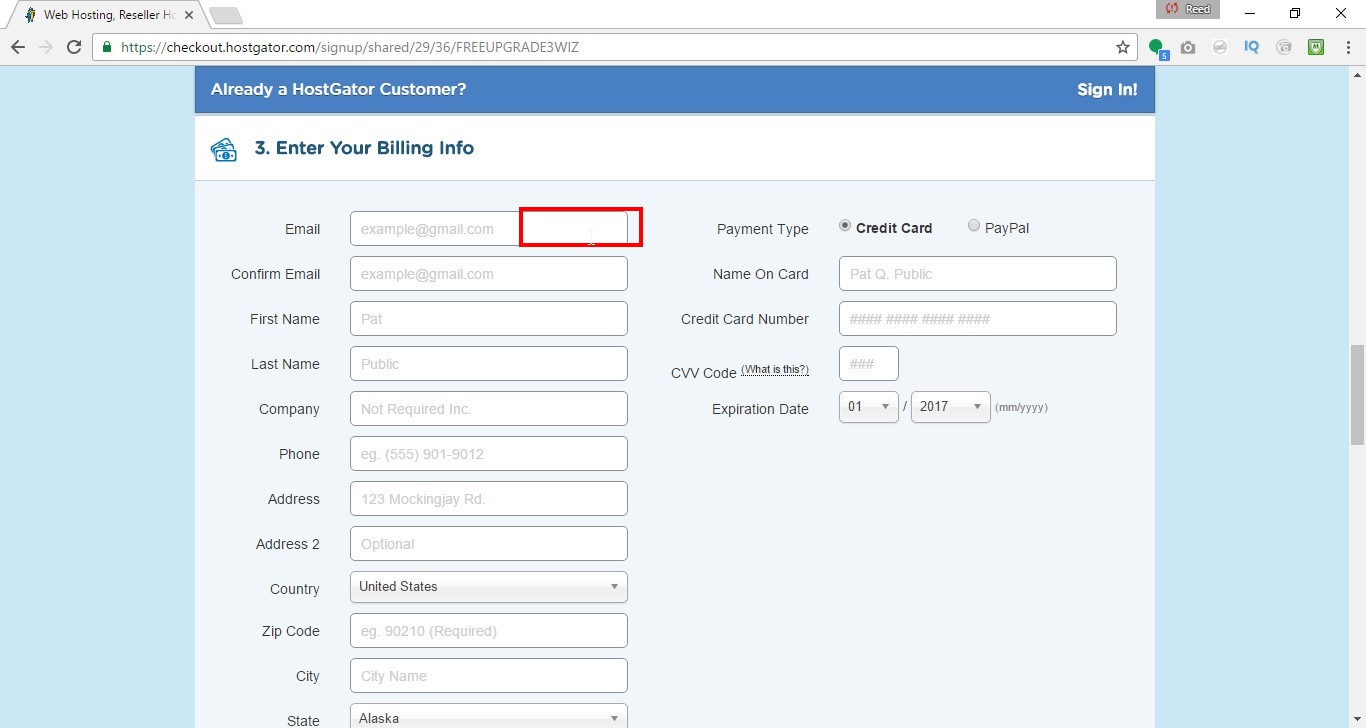
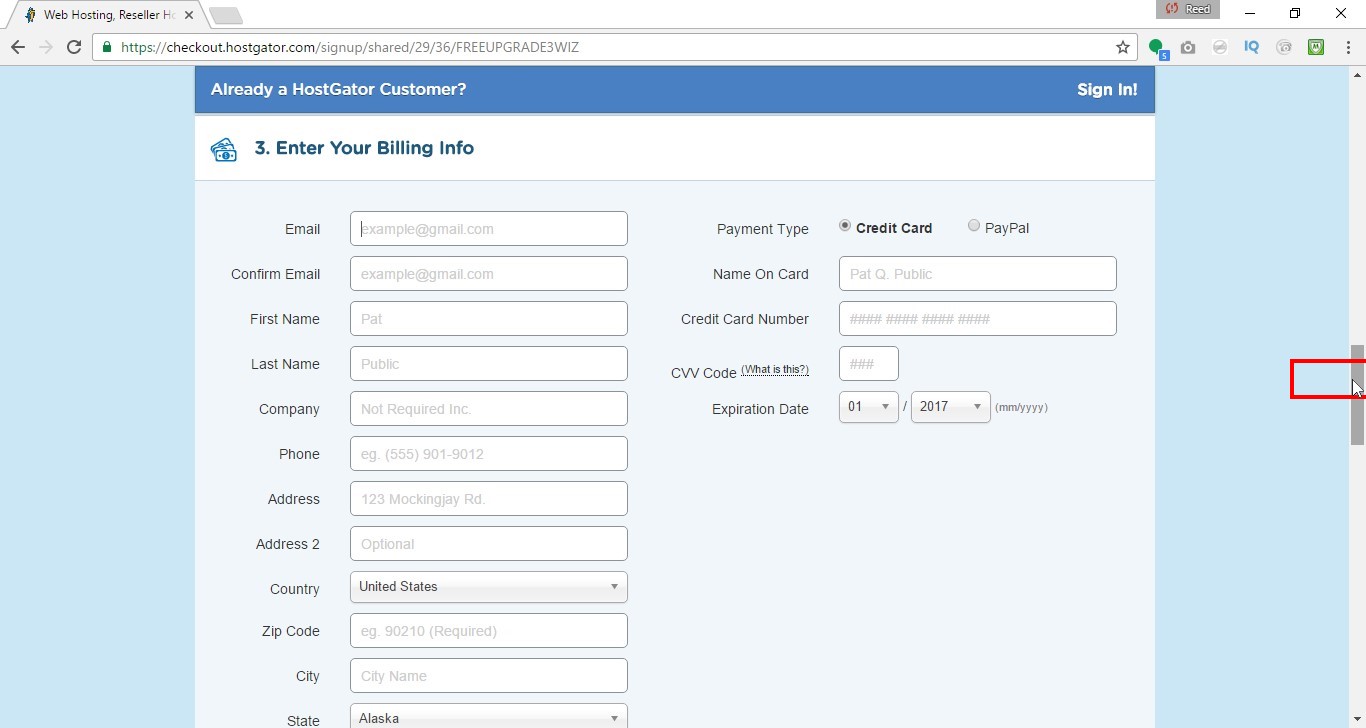
Scroll down
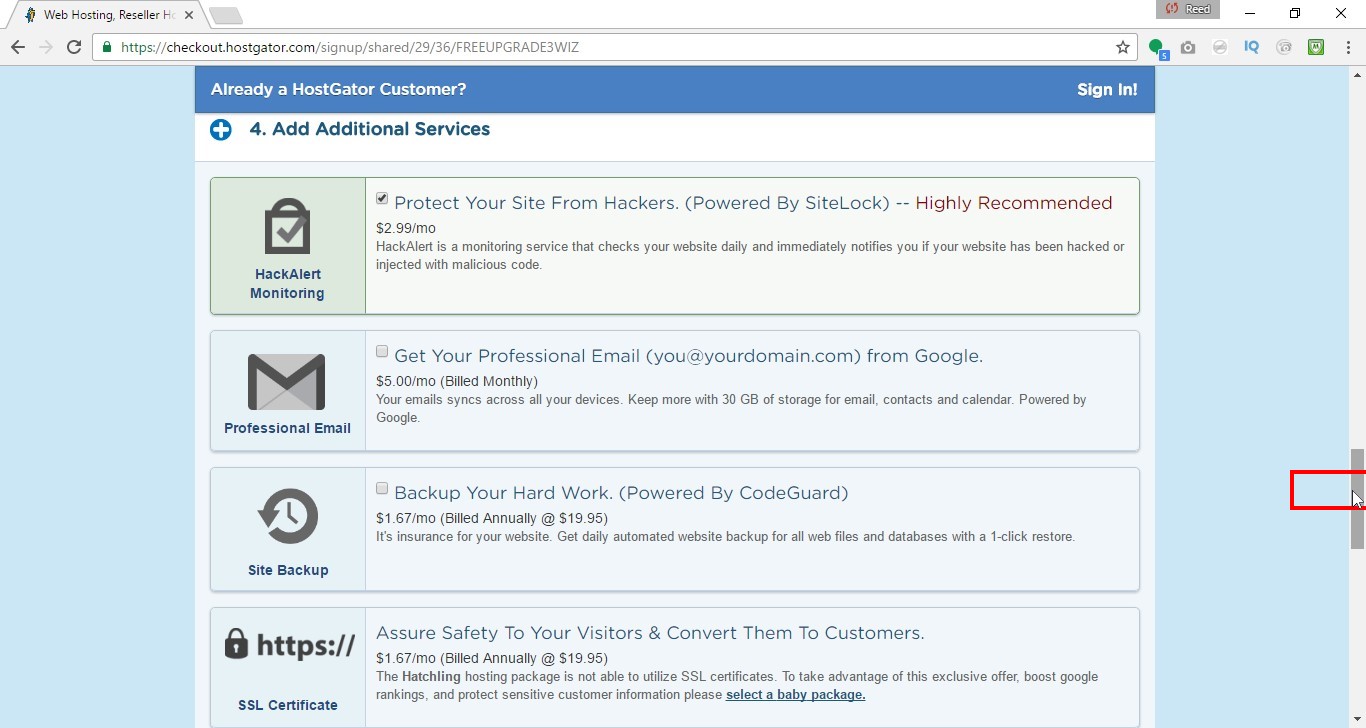
You can select/unselect the upgrades you want
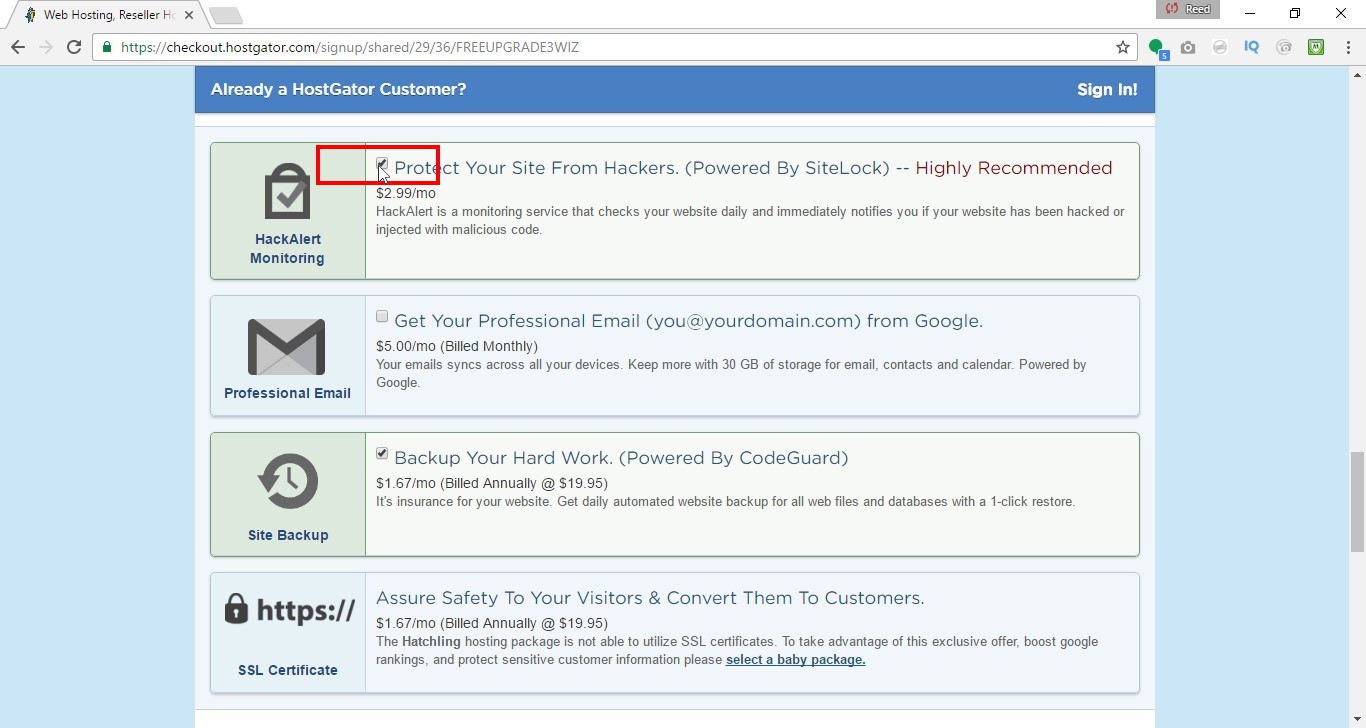
Scroll Down
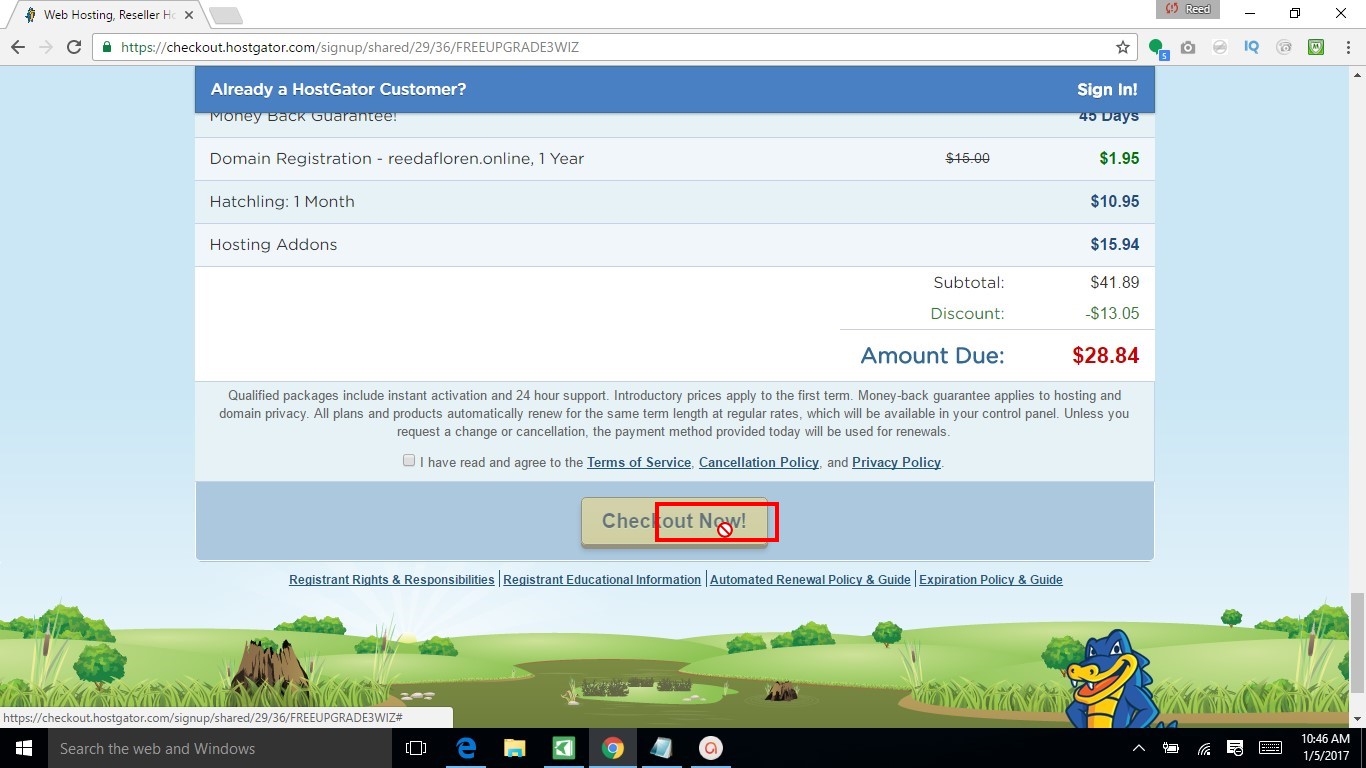
Review your order
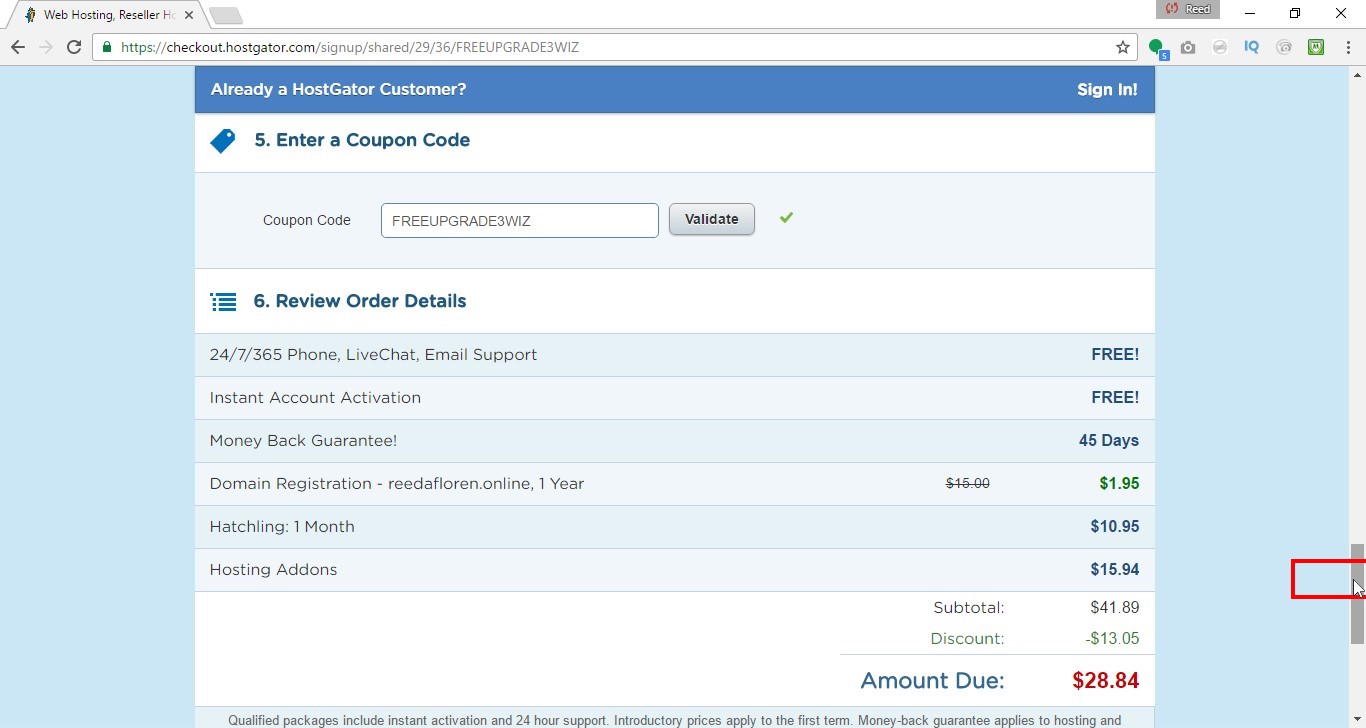
Click “Checkout Now!”